Document Management Service
About Leaders Document Management Service
Leaders Network offers Document Management Services (DMS) as a service with a clear strategy, a combination of technologies, processes, and support to help our clients effectively manage, store, and organize their documents.
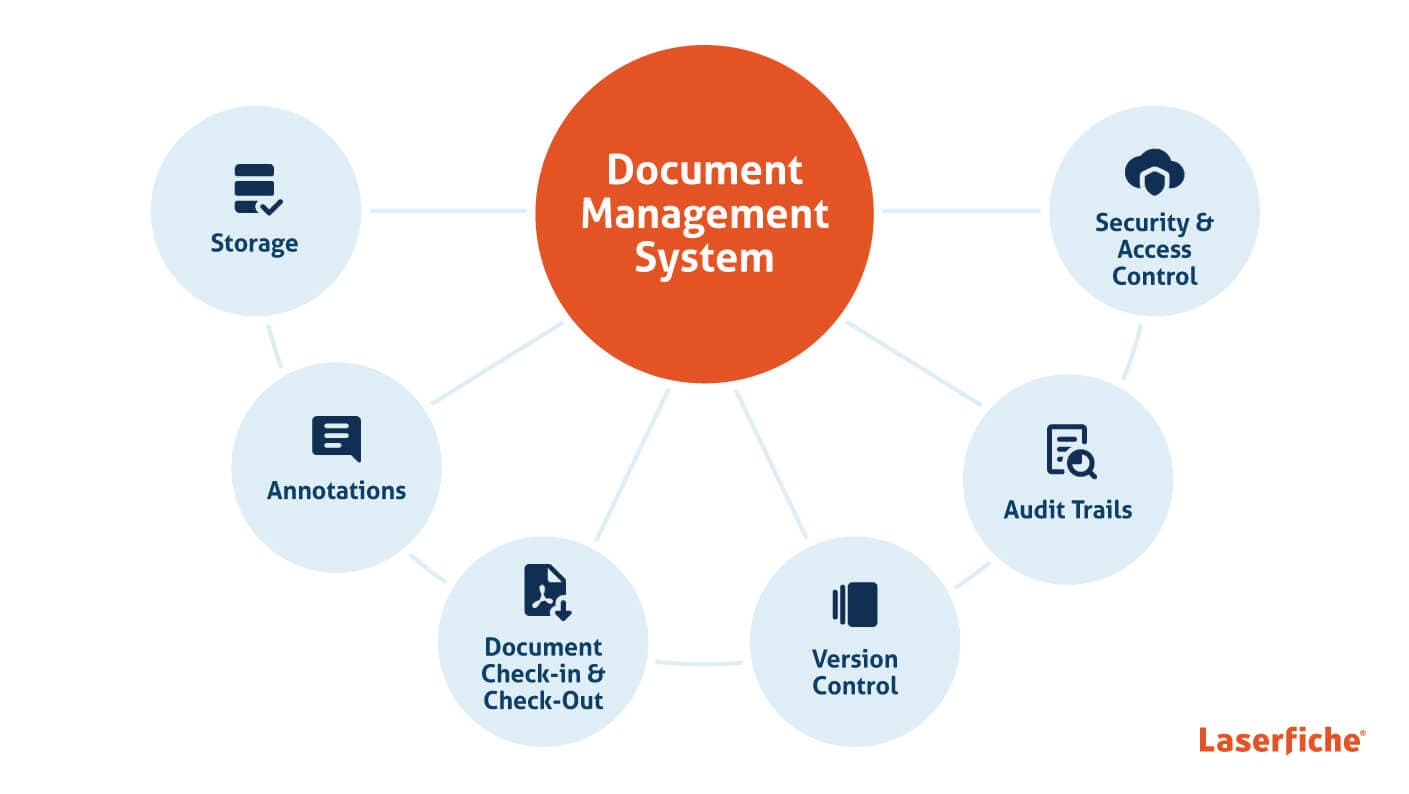
Document Management Service (DMS) is a cloud-based solution that allows businesses to securely store, organize, manage, and share documents without the need to maintain on-premise infrastructure. This service is crucial for businesses looking to streamline document workflows, improve collaboration, and ensure regulatory compliance. DMS typically offers features such as version control, access control, cloud storage, and integration with other business tools.

Our 10 Core Services
- Consultations to Identify Needs and Objectives
- Choosing the right DMS Provider
- Document Storage & Retrieval
- Document Upload and Indexing
- Organise and classify documents
- Automate Business Processes with Document Workflows
- Backup & Disaster Recovery
- Mobile Access and Integration
- User Support and Training
- Evaluation and Optimisation
Implementation Steps
Step 1: Consultancy to Identify Needs and Objectives
- Assess Documents
- Available Tools
- Available Systems
- Solution preferences
- Define Objectives
- Consider Volume

Step 2: Choose the right DMS Provider
Available Options:
- Cloud-based solutions
- On-premise systems
- Custom-built systems
Popular Systems:
- Google Drive
- Dropbox Business
- Microsoft OneDrive for Business
- DocuSign
- M-Files
- Box
- SharePoint
- ServiceNow
- Laserfiche

Step 3: Document Storage & Retrieval
- Secure cloud storage
- Easy document retrieval
- Version control
- Access management
- Document backup
- Search functionality

Step 4: Document Upload and Indexing
- Batch uploading
- Metadata tagging
- Document classification
- OCR processing
- Automated indexing

Step 5: Organize and Classify Documents
- Folder structure setup
- Document categorization
- Tagging system
- Custom metadata fields
- Document linking

Step 6: Automate Business Processes
- Workflow automation
- Document routing
- Approval processes
- Task management
- Integration with existing systems

Step 7: Backup & Disaster Recovery
- Regular backups
- Data redundancy
- Recovery protocols
- Security measures
- Business continuity planning

Step 8: Mobile Access and Integration
- Mobile app access
- Cross-platform compatibility
- API integration
- Remote access security
- Offline capabilities

Step 9: User Support and Training
- User training sessions
- Documentation and guides
- Technical support
- Best practices training
- Ongoing assistance

Step 10: Evaluation and Optimization
- Performance monitoring
- Usage analytics
- System optimization
- Regular updates
- Continuous improvement