Data Analysis Tools
About Leaders Data Analysis Tools
Data analysis tools are essential for extracting insights from raw data, helping businesses, organizations, and individuals make informed decisions. The choice of tool depends on the nature of the data, the complexity of the analysis, and the user's expertise. We will highlight on the 7 types of Tools here.
Spreadsheet Tools
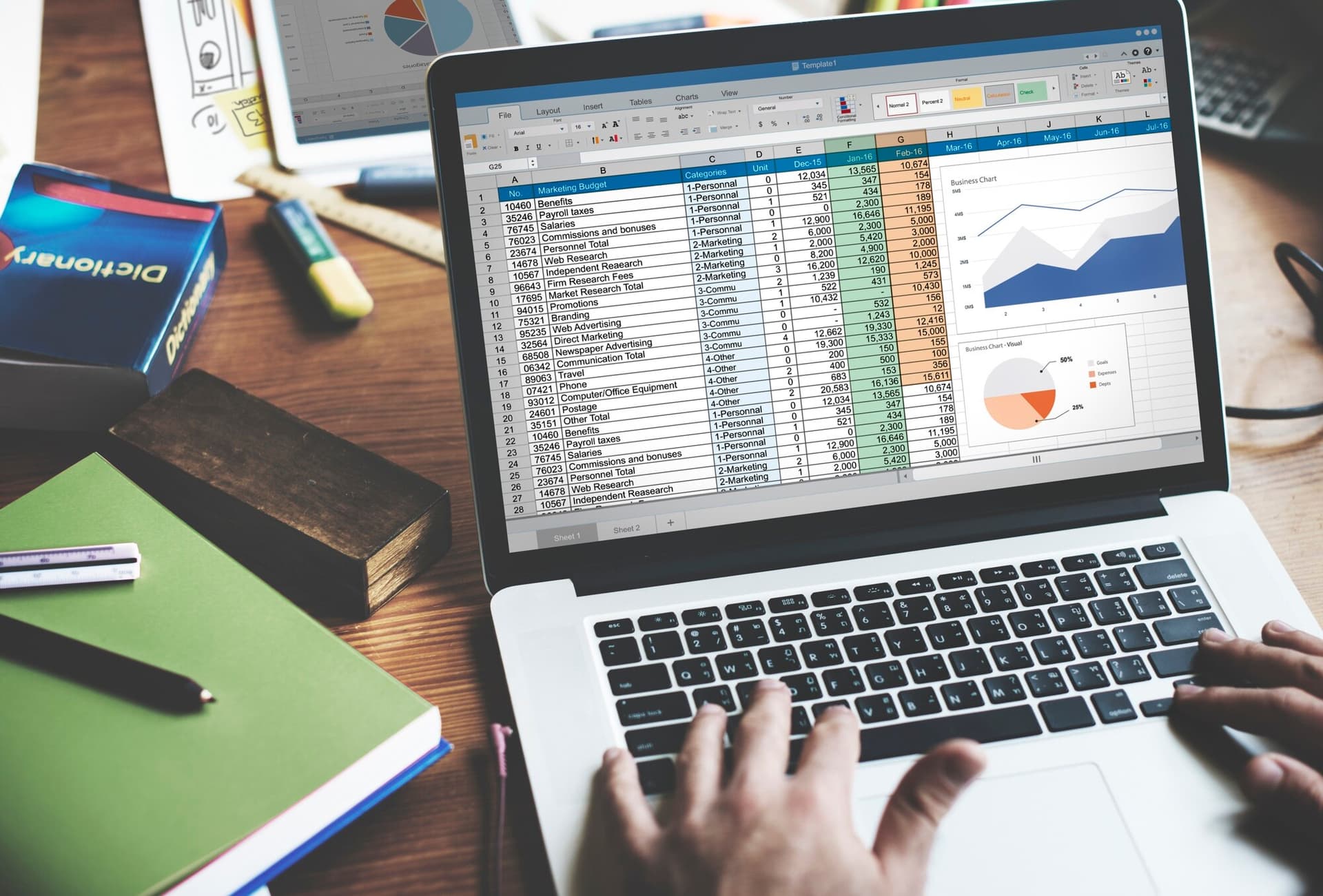
Microsoft Excel
- Overview: Excel is one of the most widely used tools for basic data analysis.
- Use Cases: Data manipulation, basic statistical analysis, financial modeling.
- Strengths: User-friendly, easily accessible, widely understood.
- Limitations: Limited scalability for large datasets.
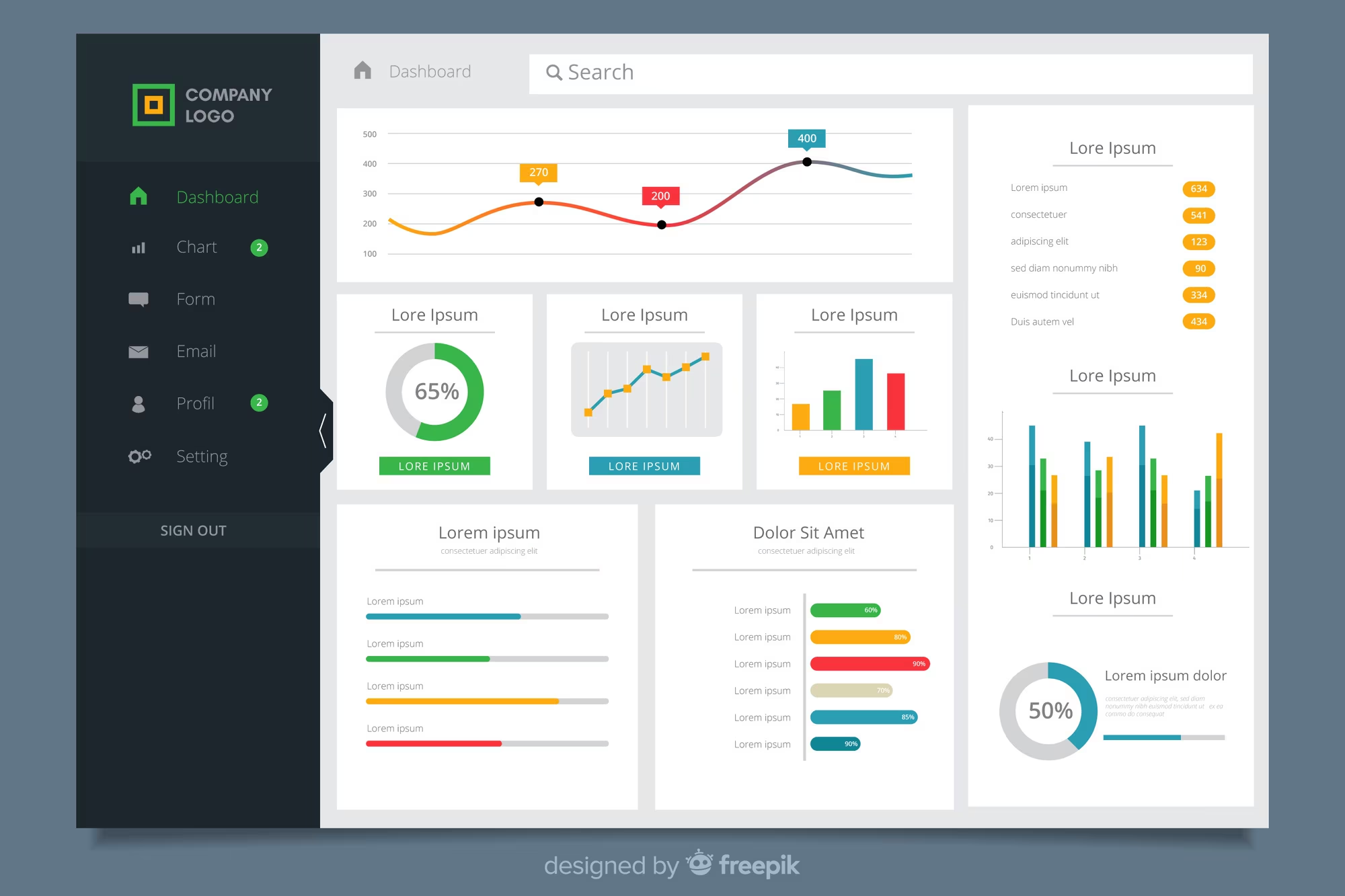
Google Sheets
- Overview: Cloud-based alternative to Excel with real-time collaboration.
- Use Cases: Simple data analysis, collaborative work.
- Strengths: Free, cloud-based, real-time collaboration.
- Limitations: Less powerful for advanced analysis.
Business Intelligence (BI) Tools
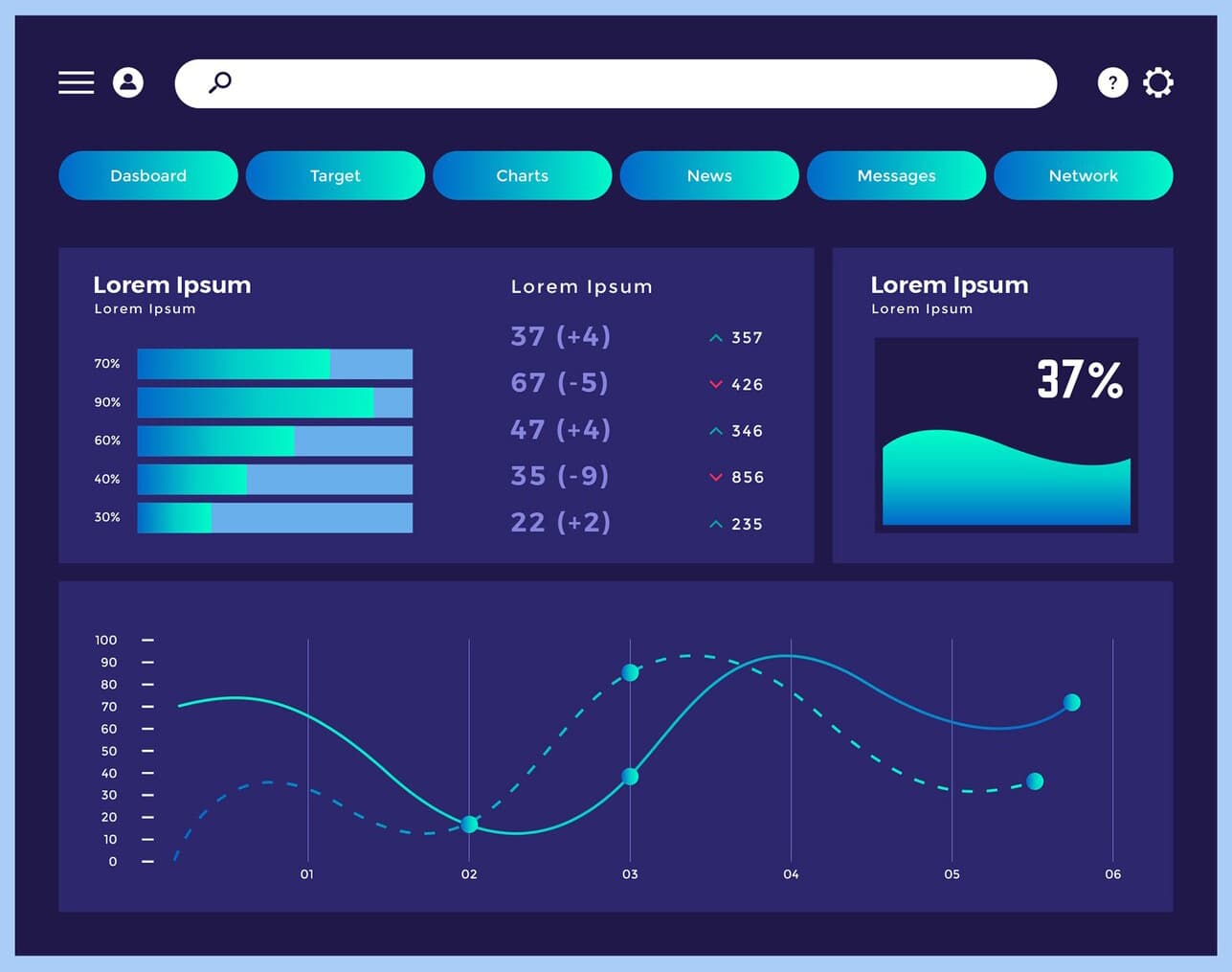
Tableau
- Powerful data visualization tool
- Interactive dashboards
- Excellent visualizations
- Intuitive interface

Power BI
- Microsoft business analytics tool
- Interactive visualizations
- Strong data modeling
- Microsoft integration

Looker
- Deep data exploration
- SQL-based modeling
- Strong integration
- Embedded analytics
Statistical Analysis Tools
R
- Overview: R is an open-source programming language widely used for statistical computing and data visualization.
- Use Cases: Advanced statistical analysis, data visualization, machine learning.
- Strengths: Extensive statistical libraries, powerful for complex data manipulation, free.
- Limitations: Steep learning curve, not as user-friendly for beginners.
SAS
- Overview: SAS is a software suite for advanced analytics, business intelligence, and data management.
- Use Cases: Predictive analytics, data management, statistical modeling.
- Strengths: Robust analytics, widely used in healthcare, banking, and government sectors.
- Limitations: Expensive, requires specialized knowledge.

SPSS
- Overview: SPSS (Statistical Package for the Social Sciences) is a software package for statistical analysis used primarily in social science research.
- Use Cases: Statistical analysis, survey data analysis, and academic research.
- Strengths: User-friendly interface, widely used in academia.
- Limitations: Expensive, less flexible than R for advanced data manipulation.
Data Science & Machine Learning Tools
Python
- Overview: Python is a versatile programming language widely used in data science, machine learning, and data analysis.
- Use Cases: Data analysis, machine learning, automation, and data visualization.
- Strengths: Strong ecosystem for data analysis, extensive libraries, open-source, great community support.
- Limitations: Requires programming knowledge, can be complex for beginners.
Jupyter Notebooks
- Overview: Jupyter is an open-source web application that allows users to create and share documents that contain live code, equations, visualizations, and narrative text.
- Use Cases: Interactive data analysis, exploratory data analysis, machine learning model development.
- Strengths: Interactive environment, supports multiple languages (Python, R, Julia), integrates with machine learning libraries.
- Limitations: Not ideal for very large datasets, can be slow with extensive data processing.
Apache Spark
- Overview: Apache Spark is an open-source distributed computing system for processing large datasets.
- Use Cases: Big data analysis, data processing, machine learning on large-scale datasets.
- Strengths: Extremely fast processing, supports batch and real-time data, scalable.
- Limitations: Requires expertise in distributed computing, complex to set up and manage.
Data Wrangling and ETL Tools
Talend
- Overview: Talend is an open-source data integration tool that helps in data wrangling and ETL (Extract, Transform, Load) processes.
- Use Cases: Data integration, cleaning, transformation, and migration.
- Strengths: Open-source, scalable, supports a wide range of data sources.
- Limitations: Requires technical knowledge to implement, can be complex for beginners.
Alteryx
- Overview: Alteryx is a data preparation and analytics platform that helps users prepare, blend, and analyze data from various sources.
- Use Cases: ETL processes, data blending, and advanced analytics.
- Strengths: User-friendly, no coding required, integrates well with other BI tools.
- Limitations: Can be expensive for small businesses, less suitable for very large datasets.
Cloud-Based Data Analysis Tools
Google Analytics
- Overview: Google Analytics is a cloud-based tool for analyzing website traffic and user behavior.
- Use Cases: Web analytics, marketing analysis, user behavior tracking.
- Strengths: Free (with premium options), robust reporting, easy integration with other Google tools.
- Limitations: Limited customization for advanced users, can be overwhelming for beginners.
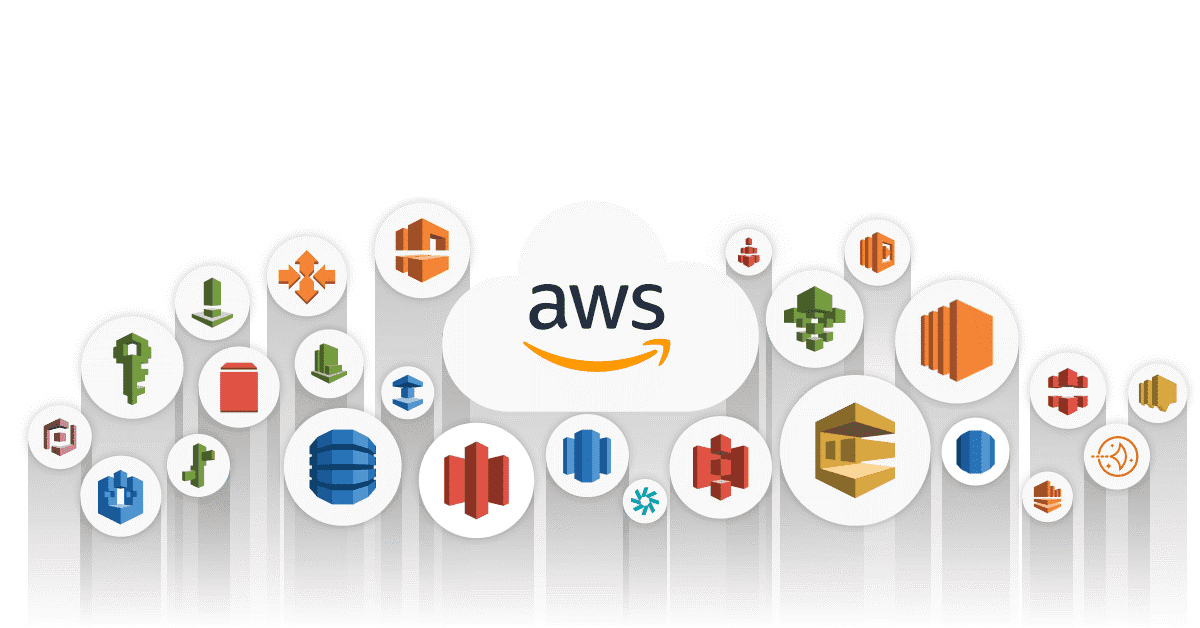
AWS Data Tools
- Overview: AWS provides a comprehensive suite of cloud services, including data storage, analytics, and machine learning tools like Amazon S3, Redshift, Athena, and SageMaker.
- Use Cases: Cloud-based data storage, big data processing, machine learning.
- Strengths: Scalable, cost-effective for large-scale operations, integrates well with other AWS services.
- Limitations: Complexity of pricing, requires technical expertise to manage effectively.
Google BigQuery
- Overview: BigQuery is a fully-managed data warehouse by Google Cloud that allows users to analyze large datasets using SQL queries.
- Use Cases: Data warehousing, big data analysis, cloud data analytics.
- Strengths: Scalable, fast query execution, integrates with other Google Cloud services.
- Limitations: Cost can increase with large datasets and high query volume, requires understanding of cloud environments.
Data Visualization Tools
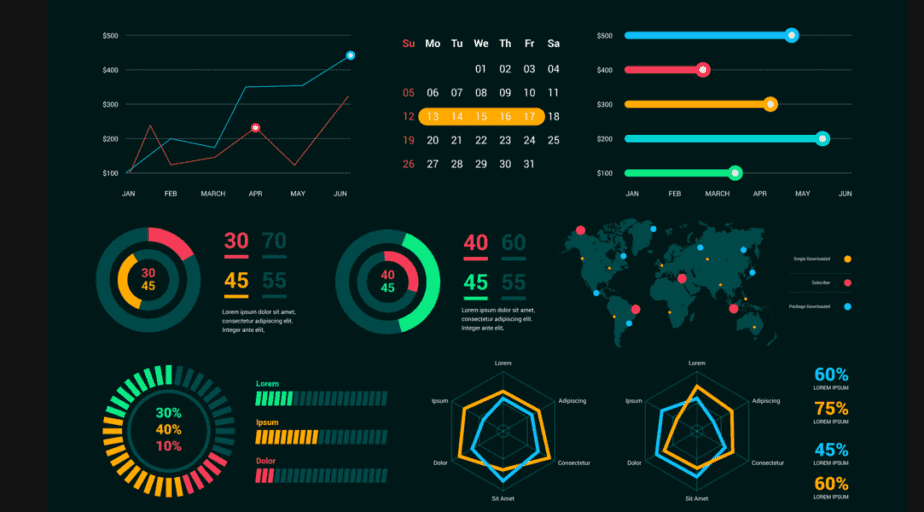
D3.js
- Overview: D3.js is a JavaScript library for creating dynamic, interactive data visualizations in web browsers.
- Use Cases: Custom, interactive visualizations for websites and dashboards.
- Strengths: Highly customizable, extensive community support.
- Limitations: Requires coding skills, can be complex for beginners.
Qlik Sense
- Overview: Qlik Sense is a self-service data visualization tool that allows users to create interactive visualizations and dashboards.
- Use Cases: Data exploration, dashboard creation, business intelligence.
- Strengths: Fast data processing, strong data exploration capabilities.
- Limitations: Licensing can be expensive, steep learning curve for advanced features.
Database Tools
Microsoft SQL Server (MSSQL)
- Overview: MSSQL, developed by Microsoft, is a robust relational database management system (RDBMS) designed to handle a wide range of data storage, retrieval, and analytics tasks.
- Use Cases: Enterprise data management, advanced analytics integration, transactional systems, and business intelligence applications.
- Strengths: Seamless integration with Microsoft products, strong security features, built-in analytics with SQL Server Analysis Services (SSAS).
- Limitations: Higher licensing costs for enterprise features, may require more extensive server resources for optimal performance.
PostgreSQL
- Overview: PostgreSQL is an open-source RDBMS renowned for its advanced features, extensibility, and reliability in handling complex queries and large datasets.
- Use Cases: Application development, geospatial data handling, data warehousing, and analytics.
- Strengths: Open-source and cost-effective, supports advanced data types (JSON, XML, arrays), excellent for complex query handling.
- Limitations: Steeper learning curve for new users, performance may vary without proper configuration for very large-scale workloads.
MySQL
- Overview: MySQL is a widely-used open-source database known for its simplicity and speed in handling web-based applications. It's commonly deployed for content management systems (CMS) and e-commerce platforms.
- Use Cases: Web application databases, lightweight analytics, and backend for CMS like WordPress and Joomla.
- Strengths: Open-source and highly accessible, large community support, optimized for read-heavy workloads.
- Limitations: Limited advanced features compared to PostgreSQL, less efficient for write-heavy applications at scale.
Oracle SQL (Oracle Database)
- Overview: Oracle SQL is a powerful, enterprise-grade RDBMS developed by Oracle Corporation, designed for handling large-scale data management, high-volume transactions, and advanced analytics. It's widely used across industries for mission-critical applications.
- Use Cases: Enterprise data management, large-scale transaction processing, data warehousing, and advanced analytics.
- Strengths: Exceptional performance and scalability, robust security features, supports complex data types and advanced analytics, strong integration with Oracle Cloud and enterprise tools.
- Limitations: High licensing costs, steep learning curve for advanced features, resource-intensive for optimal performance in large deployments.